
The client’s side
What your clients see
One link. No login. Everything they’d otherwise message you to ask.
Real product screenshots, from a demo studio workspace — refreshed as the product evolves.
The magic link
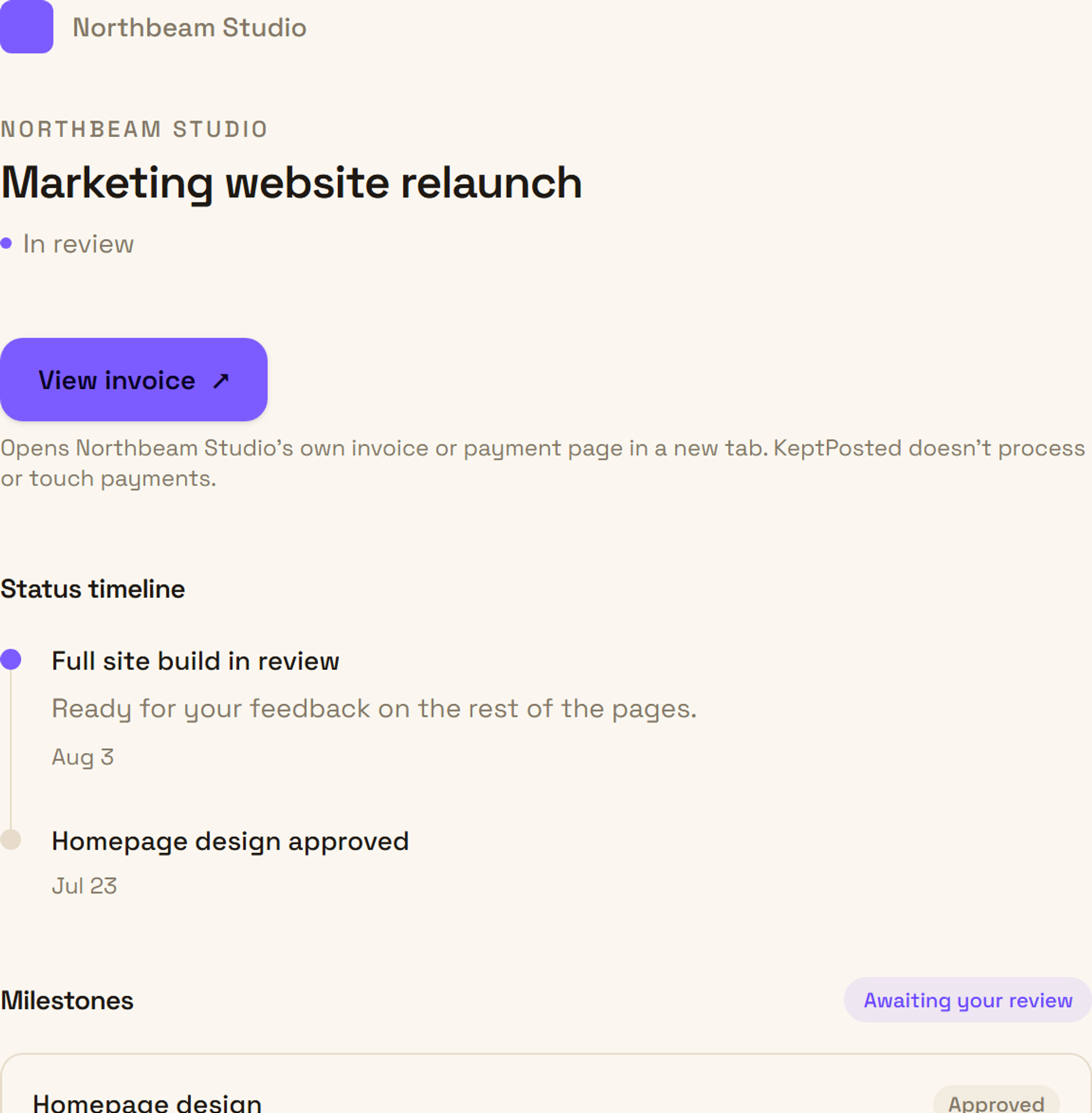
One URL, under your studio’s name. They open it, they see everything — no account, no password, no app to download.
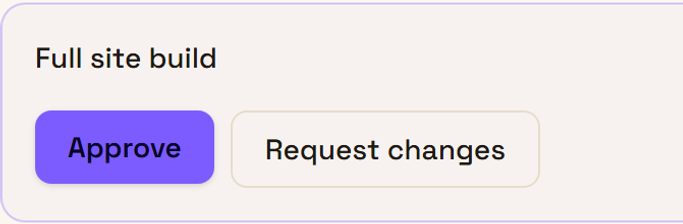
Approvals
One click for the client to say yes. You get a timestamped record.
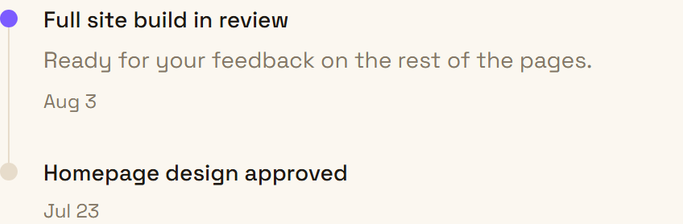
Status timeline
Every update, in order, the moment it happens. No thread to lose.
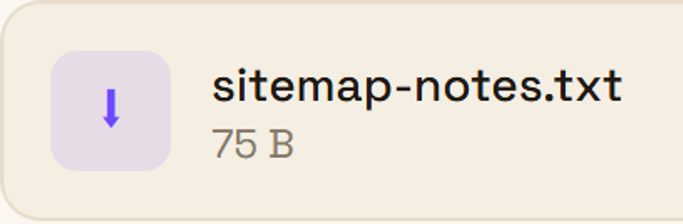
File delivery
Final files land where the client already is — no email attachment.
Do you handle client payments?
No. KeptPosted never touches client payments — clients pay through your existing invoicing tools (Stripe, PayPal, bank transfer); KeptPosted just keeps them posted. The “View invoice” link on a project simply opens whatever invoice or payment page you’ve already set up elsewhere, in a new tab — nothing is processed on keptposted.com.